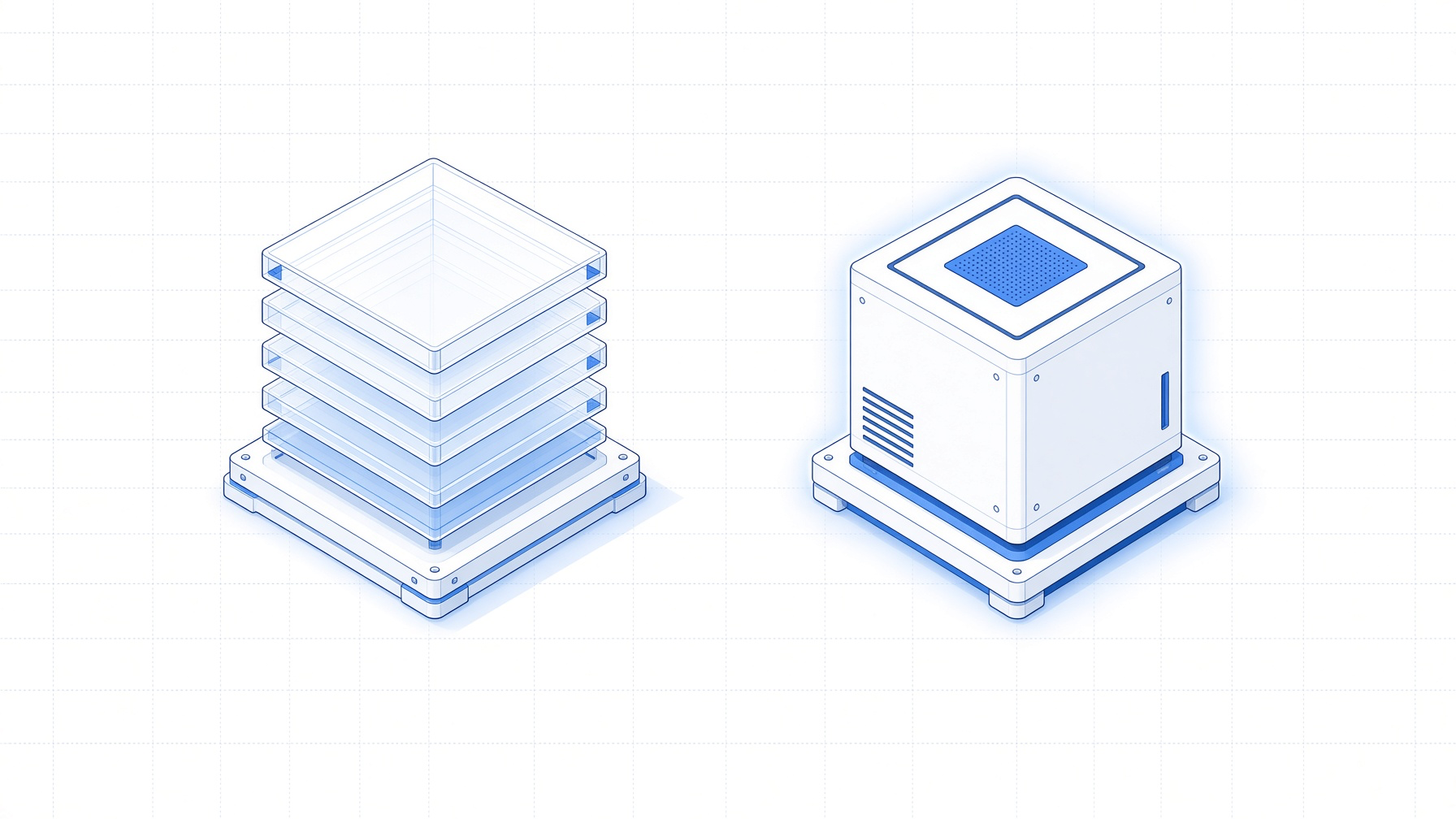
Every box is a full Linux VM, not a container. Containers are faster to start and cheaper to run, so this needs some justification. It comes down to three things: isolation, Docker support, and persistent state.
What agents actually do in a sandbox
Most code sandboxes were designed to run a snippet, capture the output, and throw everything away. Containers are genuinely great at that. They start in milliseconds and you can pack thousands of them onto one host.
A coding agent doesn’t use its sandbox like that. It clones a repo, installs dependencies, starts Postgres, runs migrations, spins up a dev server, points a browser at it, breaks something, reads the logs, and keeps going like this for hours. It uses the sandbox the way a developer uses a laptop, so the sandbox has to behave like one.
The kernel problem
A container is not really a separate machine. It’s a normal process on the host that the kernel keeps walled off from everything else. All containers on a machine share that one kernel, so a single kernel bug can expose everyone on the machine. That trade is fine when you wrote the code yourself. It’s a much worse trade for agent code, which is generated on the fly, pulls in dependencies nobody reviewed, and occasionally comes from someone actively trying to break out.
A VM puts the boundary at virtual hardware instead. Each box boots its own Ubuntu kernel on KVM. If something exploits the kernel inside the sandbox, it has exploited a guest kernel, and all it can reach is that VM’s virtual devices. The host isn’t sitting on the other side of a syscall.
Docker inside the sandbox
Most real projects need Docker at some point, usually to run a database, tests, or a browser. Inside a container sandbox, Docker doesn’t work out of the box, because you’d be running containers inside a container. Every way to hack around that either gives the sandbox access to the host’s Docker, or requires loosening the very isolation the sandbox exists for.
In a VM, Docker just works. It comes preinstalled, and docker compose up runs like it would on your own machine.
Keeping state around
An agent that’s been working for a few hours has built up a lot: the repo is cloned, dependencies are installed, the database is migrated and seeded, credentials are configured. Throw that away between sessions and every session starts with setup instead of real work, and you pay for that setup again in both time and tokens.
A box keeps its disk. Stop it, resume it a week later, and everything is exactly where the agent left it. You can also fork a box into an identical copy, uncommitted changes and all. So if you want to try three different approaches to the same problem, you fork the box three times and give each agent its own copy of the whole machine.
Side by side
| Container sandbox | Full VM (box) | |
|---|---|---|
| Kernel | Shared with the host | Its own |
| If the kernel gets exploited | The host and every other sandbox are exposed | Only that one VM is affected |
| Docker | Needs hacks that weaken the isolation | Just works |
| Background services | Usually unavailable | Work like on any Linux machine |
| Cold start | Milliseconds | A few seconds |
Where each one wins
Use containers when
your sandboxes live for seconds. Per-request code execution, evals, RL rollouts. Anything where cold start and density are what matter and the code never needs Docker or a kernel of its own.
Use a VM when
the work is actual software development. Long sessions, Docker, background services, real networking, state you want to keep. The few extra seconds of boot time are negligible when a session runs for hours.
The obvious objection to VMs is price, and it used to be a fair one. On box, $20 gets you 2M seconds, about 555 hours, on a dedicated 4 vCPU / 8 GB machine. That works out to roughly $0.036/hr, cheaper than every container sandbox we could find, and usually by a mile. We also benchmarked box against E2B, Daytona, exe, and Islo by having an agent build a full app on each.